Photography
On this page
Software and Equipment:
- Cameras
- RODE Video Mic GO, On Camera Microphone
- Photoshop

Camera
The Canon EOS Rebel T3 and T5 are entry-level DSLR cameras designed for beginners. The mode dial lets you quickly switch between fully automatic assistance and manual creative control.
Pricing: There is no cost associated with this service.
Camera FAQ
-
Remove the SD card from the camera and insert it into the computer's SD card reader. Open your computer's file explorer (Windows File Explorer or Mac Finder). Plug your personal USB flash drive into another available USB port on the computer. Copy and Paste: Select the photos/videos you want to keep, right-click and select Copy, then navigate to your USB drive folder, right-click, and select Paste. Or simply drag the highlighted files.
-
In some automatic modes, the flash only pops up if the camera detects low light. In the Creative Zone (P, Tv, Av, M), you must manually press the flash button (lightning bolt icon) near the shutter.
-
Common causes include the lens not being properly attached, the autofocus (AF) system failing to lock onto a subject, or a full/unrecognized memory card.
Getting Started
- Check out a LinkedIn Learning class to get started learning the camera. Alternatively, attend a ‘Take better photos’ program or book a one-on-one appointment with the digital technology assistant to learn how to use the application.
- Reserve a three-hour booking online or in person to use the DSLR camera independently at a participating branch on an iMac.
- Bring a SD card to save the photographs/videos captured.
Tutorials
Photoshop
Learn Photoshop, a raster graphics editor used for photo editing, digital art, and graphic design. Photoshop operates on pixels, allowing you to manipulate every tiny square of colour in an image.
Pricing: There is no cost associated with this service.
Photoshop FAQ
-
If panels disappear, go to the top menu and select Window > Workspace > Essentials (Default) to reset the layout to normal.
Where can I learn how to use Photoshop?
Are there other image editing programs available?
-
Most likely, the layer is "Locked" (look for a padlock icon in the Layers panel) or it's a Smart Object. Right-click the layer name and select Rasterize Layer to make it editable with standard tools.
-
To keep your layers editable, you must save your work as a PSD (Photoshop Document) or PSB (Large Document Format).
Getting Started
- Check out a LinkedIn Learning class to get started learning Photoshop. Alternatively, attend a ‘Photoshop Intro’ program or book a one-on-one appointment with the digital technology assistant to learn how to use the application.
- Reserve a three-hour booking online or in person to use the Photoshop application independently at a participating branch on an iMac.
- Transfer the image files to the external storage device you wish to use.
Tutorials
Available at these Branches
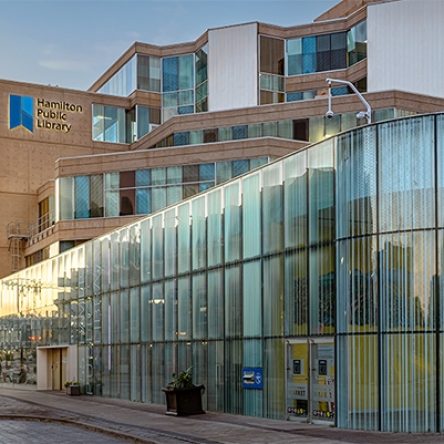
Central Library
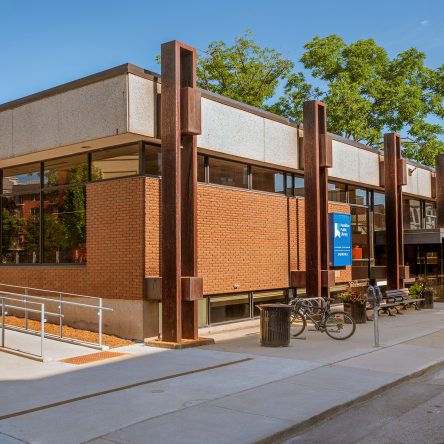
Dundas Branch
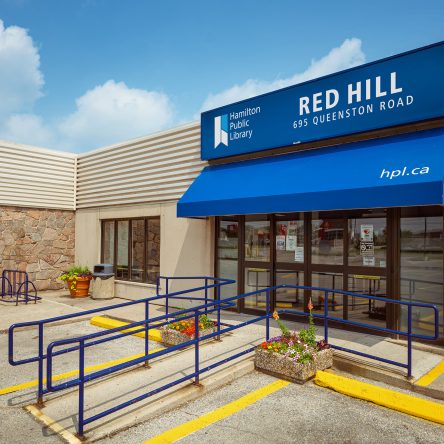
Red Hill Branch
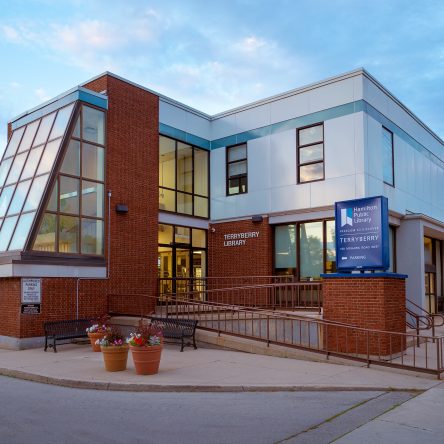
Terryberry Branch