3D Printing
Bring in your 3D designs and have them printed in PLA (hard plastic) on our 3D printers. With a maximum of 12 hours to print each week, see your designs come to life in a variety of colours.
Pricing: $0.10 per gram of filament

Getting Started
- Find a 3D file online (using websites like thingiverse.com or printables.com) or design your own file using free online software such as tinkercad.com. Classes and tutorials on basic 3D design are offered at the Library. You also have access to 3D design tutorials on LinkedIn Learning.
- Reserve a 3D printer online, by phone, or in person at select Makerspace locations. Bring your 3D file with you for your booking, preferably on a USB flash drive. You will typically need no more than thirty minutes to format (slice) your file at the Library.
- Work with Staff to determine preferences for your 3D print, such as colour, quality, size, number of copies, etc. Once settings have been established, payment will be required.
- The print will go into the queue, and Staff will print when a printer is available. You’ll be contacted when the print is finished and ready for pickup.
Frequently Asked Questions
Knitting Machine
-
The Library uses Polylactic Acid (PLA) for all 3D prints. It is a non-toxic, biodegradable plastic. While it is widely used for 3D printing due to its versatility, please note that PLA is not suitable for creating objects that need to withstand significant weight, stress, or heat. It is not recommended for use in creating kitchen utensils and is not dishwasher safe.
-
3D print times depend on the selected size, weight, and layer height in the settings. Larger, denser objects will take longer, and selecting a thinner layer height for improved details will add to the total print time. We allow a maximum weekly print allotment of 12 hours.
-
Our printers can only print one colour at a time, though files can sometimes be printed separately in different colours and assembled afterwards. Printed pieces can also be painted using acrylic paints (with a primer coat).
-
We require files in the .stl format, although other formats can sometimes work, such as .obj or .3mf
-
Not necessarily. Many designs can be found online on sites such as thingiverse.com. Check to see if someone has already made the thing you want to print.
Available at these Branches
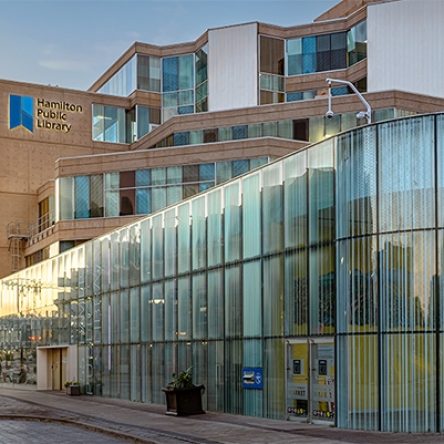
Central Library
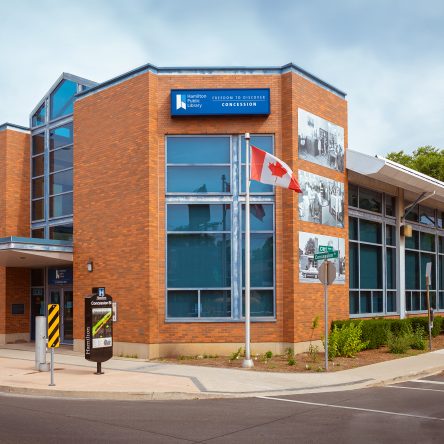
Concession Branch
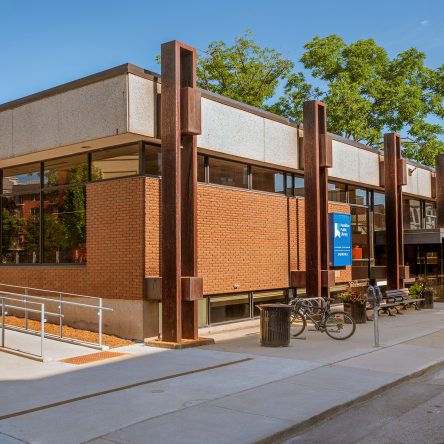
Dundas Branch
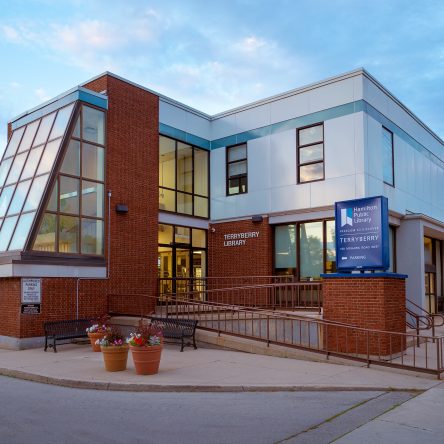
Terryberry Branch