Music and Recording Equipment
On this page
Software and Equipment:
- GarageBand
- DJ Equipment: DDJ-FLX4 DJ controller
Musical Instruments:
- Yamaha DTX 502 Electronic Drum Kit
- Audio Technica AT2020 USB Microphone
- M-Audio Keystation 88 MIDI Keyboard
- Epiphone Acoustic Guitar
- Yamaha PSR-E360 Keyboard

GarageBand
Learn how to create and record music using Apple’s GarageBand software.
Pricing: There is no cost associated with this service.
GarageBand FAQ
-
Most sound studios will have all the equipment you need but call to confirm which instruments each particular branch may have. All branches have access to an iMac and software, but instruments vary.
Getting Started
- Check out a LinkedIn Learning class, take the Audio Recording Intro or Intro to GarageBand Loops program, or book a one-on-one appointment with a Digital Technology Assistant to learn how to use the application.
- Reserve a booking online or in person to use the sound studio.
Musical Instruments
Book the Sound Studio at participating branches and jam out with acoustic and electric guitars, keyboards, drums, and microphones.
Pricing: There is no cost associated with this service.
Musical Instruments FAQ
-
Most branches with a Sound Studio will provide everything needed to record and play music. However, musical instruments vary at the branches, so it may be a good idea to call and confirm which instruments are available at a particular branch.
Getting Started
- Make a makerspace reservation online or in person for the sound studio at a participating branch.
- Attend your booking.
Tutorials
Available at these Branches
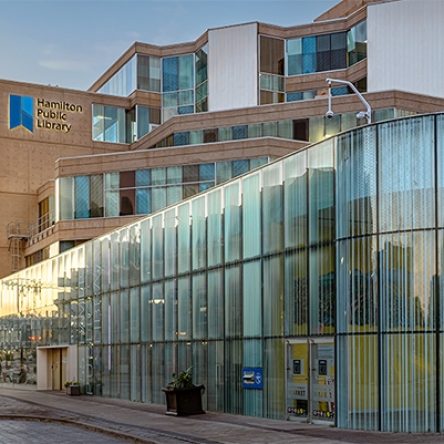
Central Library
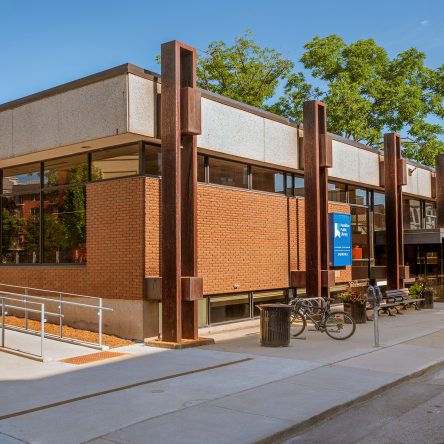
Dundas Branch
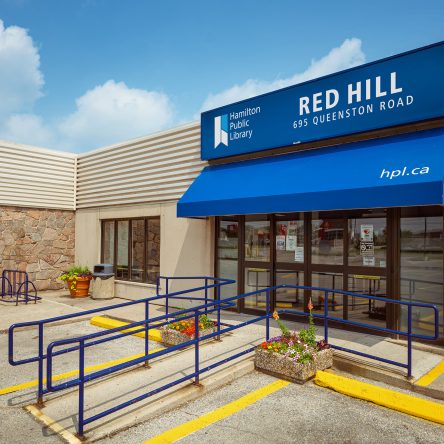
Red Hill Branch
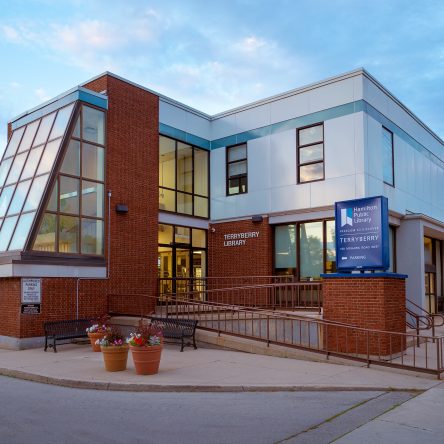
Terryberry Branch