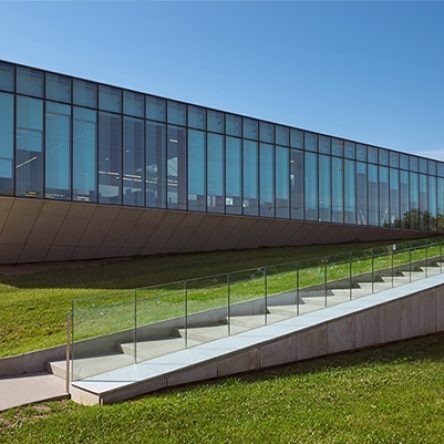
Large Format Printer
Create oversized, high-quality prints for posters, signage, maps, presentations, artwork, photography, classroom visuals, and more. Members can print from finished digital files, such as PDFs or JPGs, on matte or satin/semi-gloss paper. Pricing is based on the final print size and material used, with total cost calculated after printing by Makerspace Staff.
All large format printers are 36 inches wide except for the one at the Waterdown Branch which is 24 inches wide.
Pricing:
- Paper - $4.00 per foot
- Ink - $1 per ml

Create oversized, high-quality prints for posters, signage, maps, presentations, artwork, photography, classroom visuals, and more. Members can print from finished digital files, such as PDFs or JPGs, on matte or satin/semi-gloss paper. Pricing is based on the final print size and material used, with total cost calculated after printing by Makerspace Staff.
All large format printers are 36 inches wide except for the one at the Waterdown Branch which is on 24 inches wide.
Pricing:
- Paper - $4.00 per ft
- Ink - $1 per ml
Getting Started
- Bring a completed digital file (PDF or JPG recommended) on a USB drive, via email, or to Cloud storage.
- Reserve a Large Format Printer booking online or in person at a participating branch. You may reserve up to two hours and 3 bookings per week.
- Log into the Large Format Printer computer and open Free Layout Plus.
- Import your file(s), choose your paper type from the favourites menu and adjust sizing/layout as needed.
- Confirm print settings, preview carefully, and print your project.
- Notify Makerspace Staff once your print job is complete so they can calculate final pricing.
Tutorials
Frequently Asked Questions
Knitting Machine
-
Staff are available to support first-time users and by appointment for project-based learning.
-
Yes. Borderless printing is available, though slight edge cropping may occur.
-
Low-resolution source files may print poorly at larger sizes. For best results, use high-resolution images or print-ready PDFs.
-
Use Free Layout Plus tools, such as Auto Arrange, Crop, Resize, and Fit, to optimize paper usage before printing.
-
Most branches offer matte and satin/semi-gloss roll options through preset printer favourites.
Available at these Branches
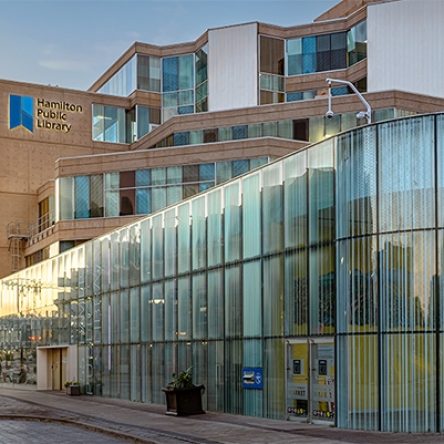
Central Library
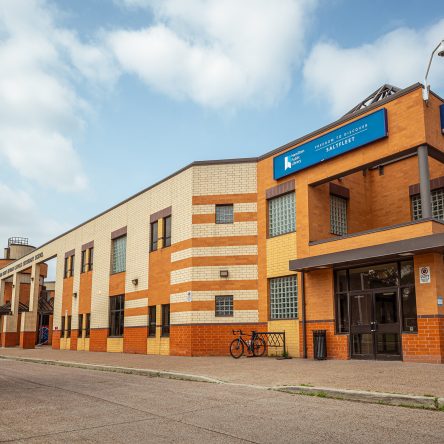
Saltfleet Branch
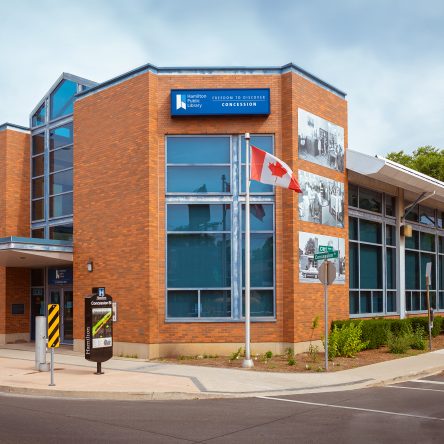
Concession Branch
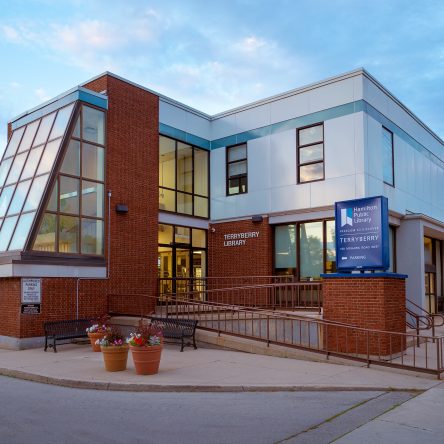
Terryberry Branch
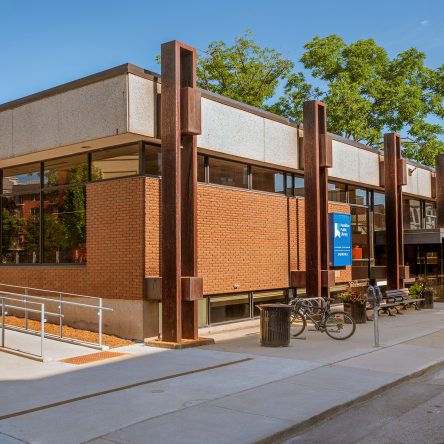
Dundas Branch
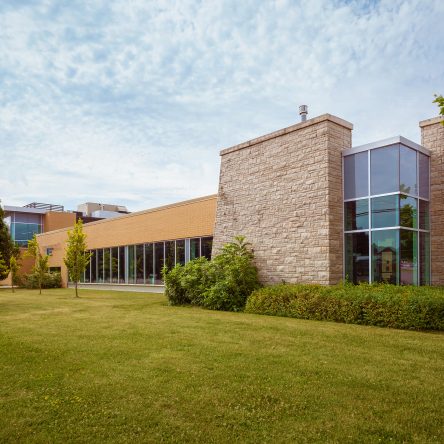
Turner Park Branch
Central Library
Concession Branch
Dundas Branch
Saltfleet Branch
Turner Park Branch
Terryberry Branch
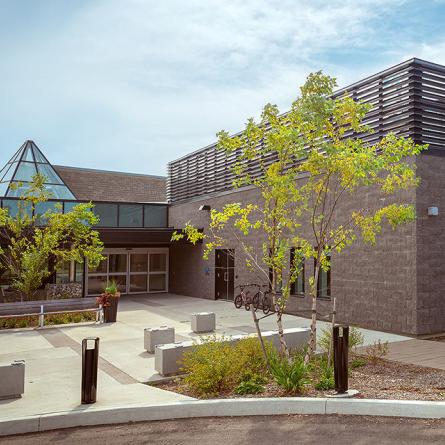
Valley Park Branch