Vinyl Printing
Print your own designs on vinyl material and get it precisely cut. Create stickers, decals, labels, branding materials, window graphics, signage, and more. Matte, glossy and clear vinyl material are available to users. User-friendly software will help you produce your designs. Pricing is based on the amount of vinyl and ink that are used.
Central Library has the Roland SG2-300 and the vinyl is up to 28 inches wide.
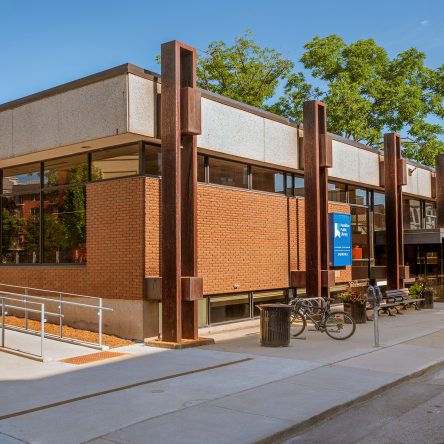
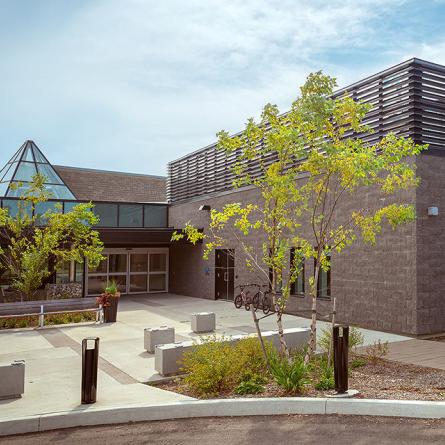
The Dundas and Valley Park branches have the Roland BN2-20 and the vinyl is up to 18 inches wide.
Pricing:
Vinyl: $2.50/ft, Ink: $.75/ml (Central Library)
Vinyl: $2.00/ft, Ink: $.75/ml (Dundas and Valley Park)

Getting Started
- Book the Vinyl Printer/Cutter online. Reserve up to two hours and three bookings per week.
- When it’s time for your appointment, bring your file on a USB stick or some portable storage device that can be connected to the Vinyl Printer-connected computer. Jpg and pdf work best with the software.
- Let Staff know which kind of vinyl you would like to print on.
- Plug the USB into the computer and open the VersaWorks software.
- Import your image into the software and adjust the settings as needed.
- Before printing, please let Staff know so that the print job can be priced accordingly.
- Print your project.
- Pay for your print.
Frequently Asked Questions
Knitting Machine
-
Staff are available to support first-time users and by appointment for project-based learning.
-
Low-resolution source files may print poorly at larger sizes. For best results, use high-resolution images or print-ready PDFs.
-
Versaworks has a nesting option where the software will arrange the images in the most efficient layout possible for printing. However, the user cannot control how the images will be arranged. If you wish for the print to be laid out in a specific way, it is recommended that this be done with another software before doing the print. Please consult with Staff if you have specific project questions.
-
Versaworks can cut the vinyl into basic shapes. If the shapes are complex (and these are shapes that are not square or rectangle), Adobe Illustrator is available in the space for this.
-
In VersaWorks, there is a nesting option. The software will arrange the images in the most efficient layout for printing.
Available at these Branches
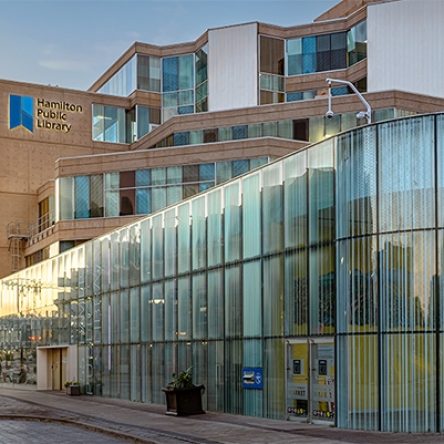
Central Library